 Pawze
Pawze
Pawze what pulls you in.
Lock the apps that eat your day. Only an everyday object you photograph, your totem, unlocks them early. Every lock you finish earns paws to rescue stray cats.
How it works
A lock you can't just swipe away
Pick apps and a time
Instagram for an hour, or the whole phone until morning. Schedules can lock you in automatically at bedtime or work hours.
Photograph a totem
Any object nearby: a mug, a plant, a book on another floor. That object becomes your key, so stopping early means getting up.
Wait it out, or go scan it
Locked apps show Pawze instead. Scan your totem to unlock early. Lost it? A printable backup card and emergency unlocks have you covered.
The shelter
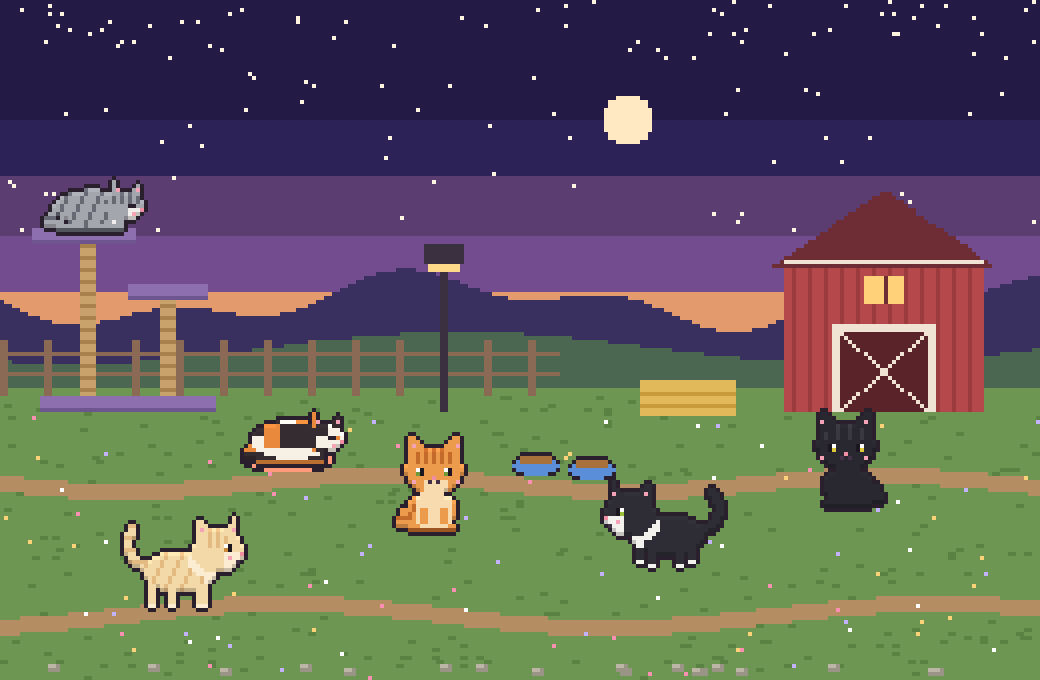
Focus time feeds a farm full of cats
- Every minute you stay locked earns a paw.
- A lock of 10+ minutes sets tonight's trap. Pick the bait and see your exact odds first.
- Rescued strays live on your farm. Keep them fed and playing.
- Once the farm is full, families come by to adopt.
Installing
Pawze isn't on the Play Store yet
- Tap Download for Android on your phone and open the file when it's done.
- If Android asks, allow your browser to install unknown apps, then go back and tap Install.
- If Play Protect says it doesn't recognise the app, tap More details → Install anyway. It's new, not unsafe.
- Open Pawze. Its Permissions page lists everything it needs, with one tap to allow each.
New versions install over the old one and keep your locks, totems and cats.